In today’s fast-paced world, not everyone wants to spend hours downloading and installing games that eat up storage space. Fortunately, cloud and browser-based gaming platforms make it possible to play instantly — no installations, no updates, no waiting. Whether you’re using a PC, smartphone, or tablet, these services deliver high-quality gameplay directly through your internet connection.
1. Explore Cloud Gaming Services
Cloud gaming services stream games directly from powerful servers, allowing you to play modern titles without heavy system requirements. Platforms like NVIDIA GeForce NOW, Xbox Cloud Gaming, and Boosteroid let users play premium games on low-end devices — all you need is a stable internet connection and an active account.
Top Tips for Cloud Gaming
For the best experience, use a wired or 5GHz Wi-Fi connection to minimize lag. Close unnecessary apps, and if possible, use a controller for smoother gameplay. Adjust your stream quality according to your internet speed to maintain performance stability.
2. Try Browser-Based Game Sites
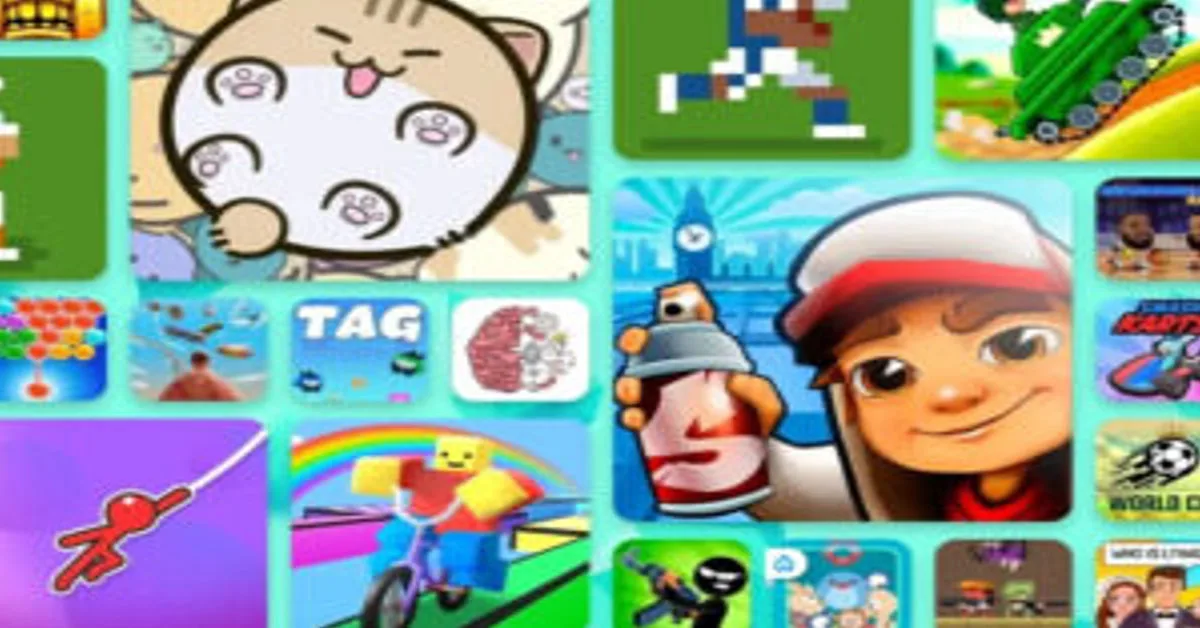
Browser-based games are perfect for quick entertainment without any installation. Websites like CrazyGames, Poki, and Miniclip host thousands of online games — from action and puzzles to racing and strategy. These games load directly in your browser, making them ideal for casual players and students who just want to relax between tasks.
How to Pick the Best Site
Choose platforms that offer HTTPS security, minimal ads, and responsive mobile gameplay. Avoid sites that require unnecessary plugin downloads — modern HTML5 games run smoothly in browsers like Chrome, Edge, and Firefox.
3. Compare Platforms for Instant Play
Before you pick a service, compare the speed, library, and cost. The chart below highlights some of the most popular no-install gaming options to help you decide which one suits your preferences best.
| Platform | Features | Play Now |
|---|---|---|
| GeForce NOW | AAA titles, 1080p streaming, multi-device support | Play GeForce NOW |
| Poki Games | Free casual games, no login, mobile friendly | Play Poki Games |
| Boosteroid | Cloud gaming for PC and Mac, subscription-based | Try Boosteroid |
| CrazyGames | Free browser games, fast loading, secure access | Play CrazyGames |
4. Play Mobile Games Without Downloading
With instant apps and progressive web games, mobile users can now play directly from the browser or Google Play Instant without consuming extra storage. This trend is perfect for users who want to test games before installing them or enjoy short sessions without cluttering their phone memory.
Platforms like Facebook Gaming and Google Play Instant allow you to jump into a game immediately. These lightweight experiences are optimized for quick play and minimal lag, especially for casual gaming genres.
Download
Discover More
Free Browser Games
Play Without Download
Best Cloud Gaming
Instant Play Games
Web Game Platforms

Faraz Shah Skills ✔ Verified
Faraz Shah Skills is a technology educator and content writer. He shares authentic, detailed insights on news, guides, and trends to help readers make informed decisions with clear and trustworthy information.